|
|||
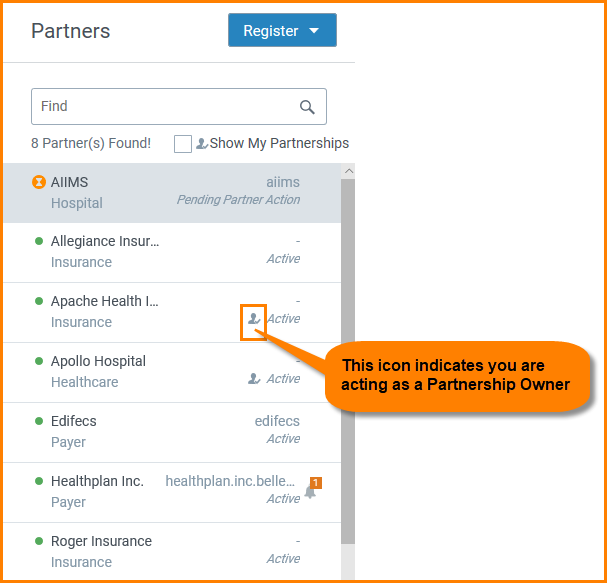
Partner OwnershipIn Trading Partner Management, only the Administrators and the Partnership Owners can make changes to a partnership such as creating or modifying Trade Relationships and Agreements. For more information on the permissions available to different users, refer to the Role Based Access section. You become a partnership owner under the following conditions:
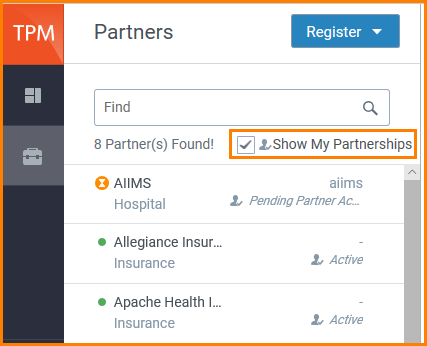
You can view the partnerships for which you are the owner by selecting the "Show My Partnerships" check-box in the Partners module.
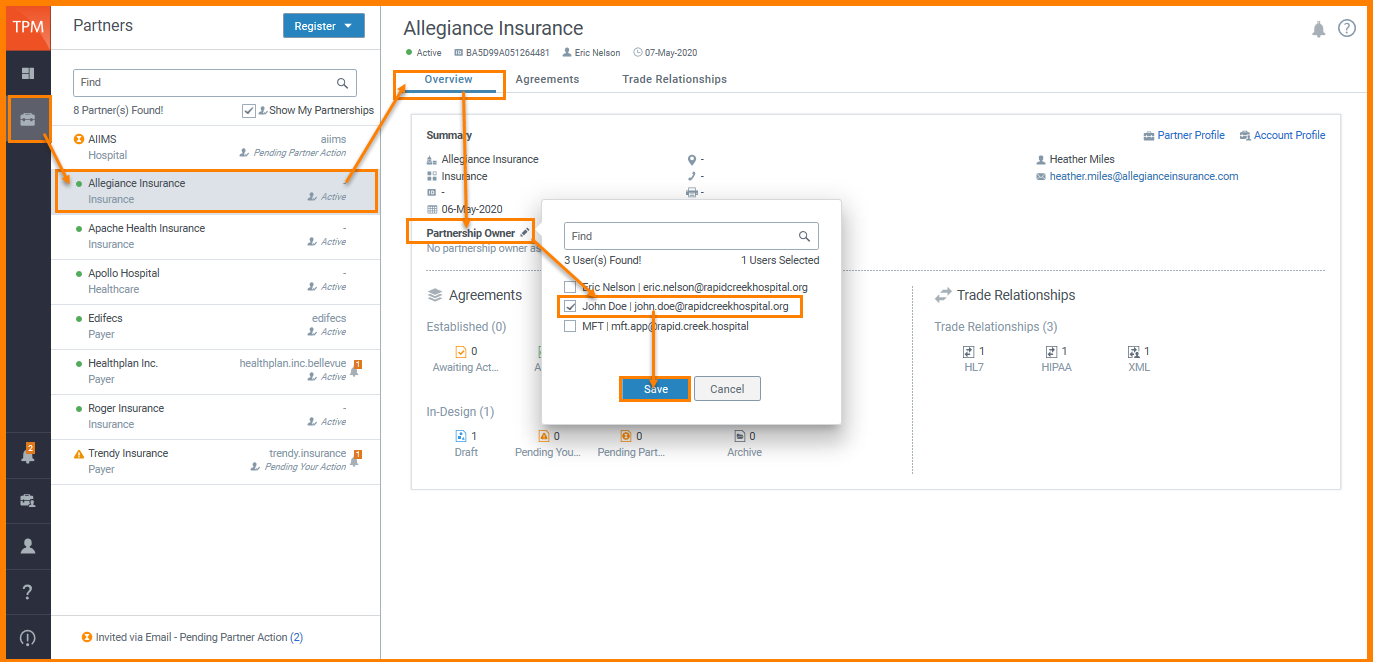
View/Edit a Partnership Owner To View/Edit a partnership owner:
|
 next to Partnership Owner.
 to see the modified changes.