|
|||
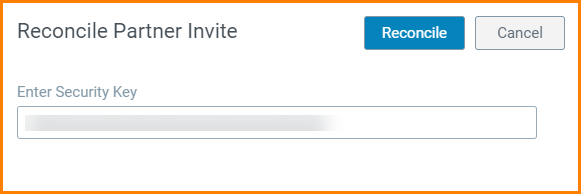
Reconcile a Partnership InvitationWhen you are invited by other Organizations to establish a partnership with them, you will receive an email invitation from Trading Partner Management with a unique key. When you login to your account on Trading Partner Management, you will not see the partner listed in the list of existing partners. In order to establish and confirm the partnership with the Organization, you would have to reconcile the partnership request using the security key. To reconcile a partner invitation using a security key:
|
 drop-down menu.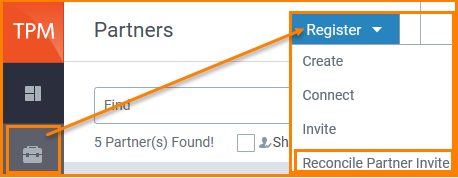
 to add them as your partner.