|
|||
Connect PartnerTo establish a partnership with an existing Edifecs Cloud Account:
Trading Partner Management sends an email notification to the selected Edifecs Cloud accounts to accept or reject the partnership request and displays the partner in |
 drop-down menu.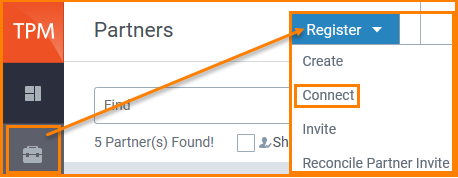
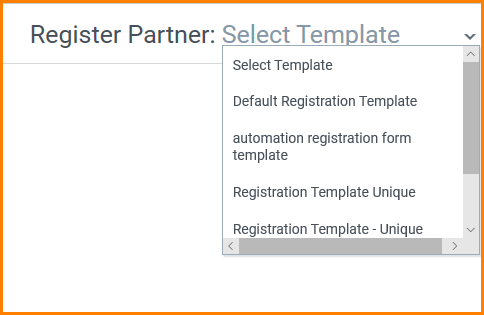
 to connect to those accounts.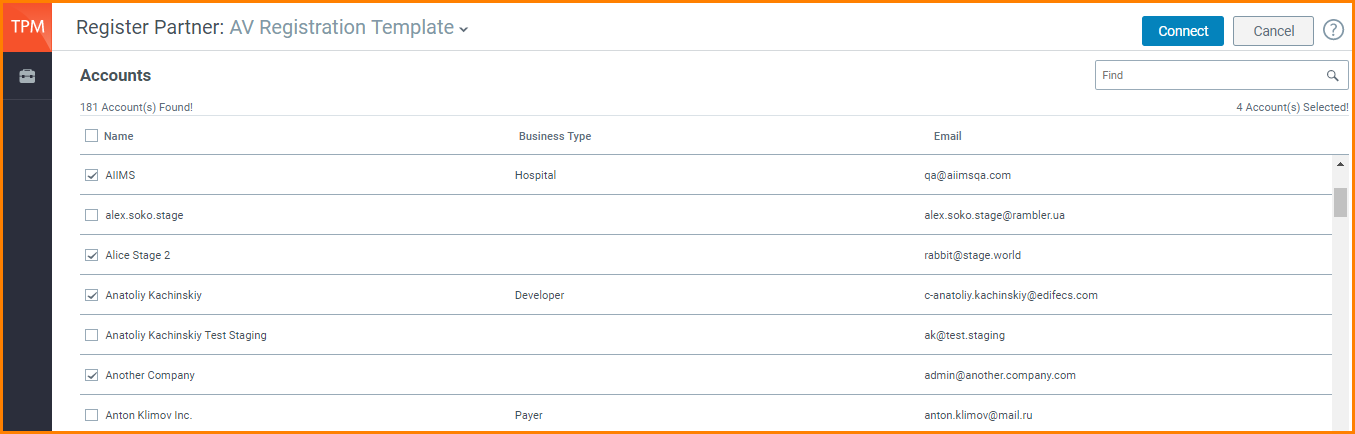


|
|||
Connect PartnerTo establish a partnership with an existing Edifecs Cloud Account:
Trading Partner Management sends an email notification to the selected Edifecs Cloud accounts to accept or reject the partnership request and displays the partner in |