|
|||
Invite PartnerTo invite partner(s) using their email address(es):
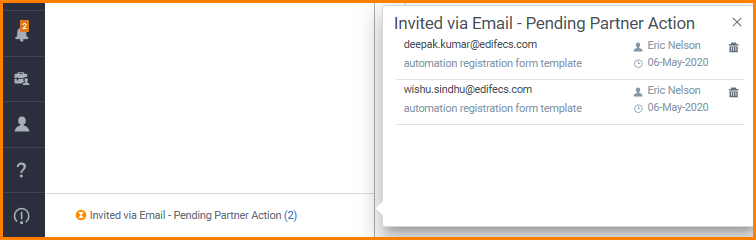
You can retrieve the list of partners you have invited using their respective email address in the Invited via Email- Pending Partner Action section on the Partners page.
|
 drop-down menu.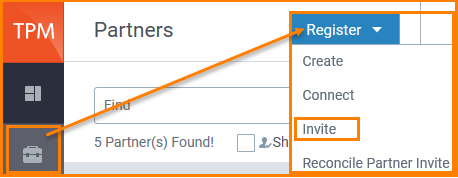
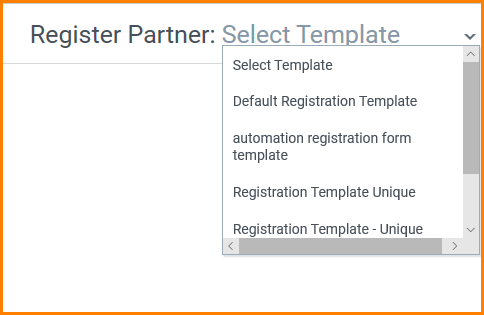
 to invite a partner or several partners by entering their email addresses. You can invite several partners at one go by adding comma-separated email addresses.


|
|||
Invite PartnerTo invite partner(s) using their email address(es):
You can retrieve the list of partners you have invited using their respective email address in the Invited via Email- Pending Partner Action section on the Partners page.
|