|
|||
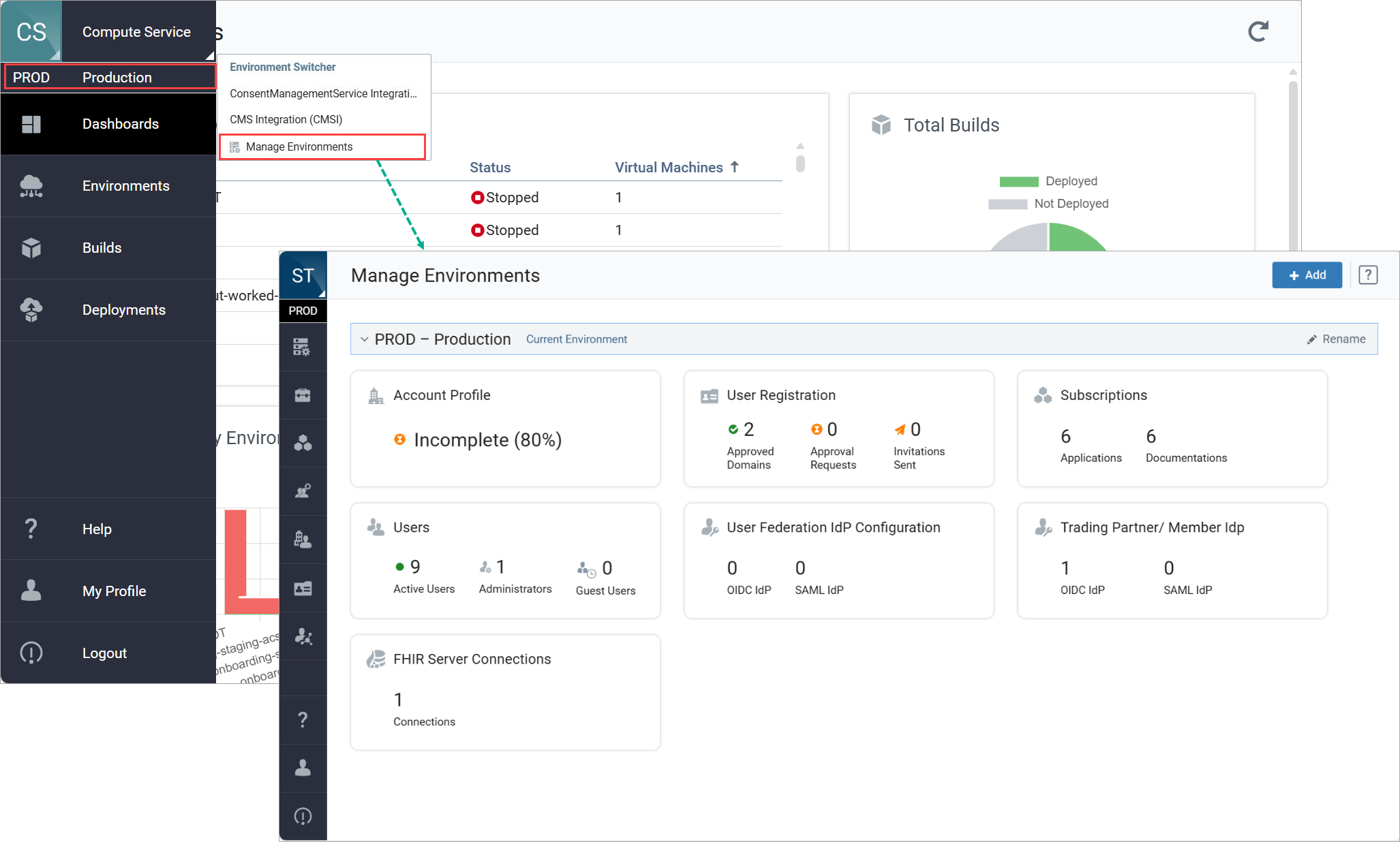
Manage EnvironmentsCompute Service supports multiple logical environments to help you configure, test, and validate your setup without impacting production. Every account includes a Production (PROD) environment by default, and you can also create additional environments such as DEV or TEST. Environment creation, user access, and environment-level settings are managed centrally through Smart Trading Account Service. While you use environments directly within Compute Service, selecting Manage Environments redirects you to Account Service, where all environment management actions are performed. For more information, see Manage Environments in Smart Trading Account Service.
As a Smart Trading Cloud user, you work in one environment at a time and can switch environments using the environment selector in the left navigation. When you switch environments, only the data, and configurations associated with the selected environment are displayed. |