|
|||
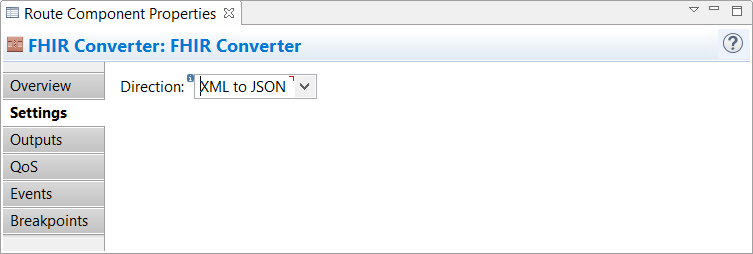
FHIR ConverterThe FHIR Converter component using the standalone HAPI FHIR server allows you to specify the direction of the FHIR documents for data conversion. For example, you can convert XML data to the JSON data format (and in the reverse) taking into consideration the FHIR R4 format resources and the context you need during the conversion. The component becomes available after you install XES Module for FHIR 9.2.
Overview TabThe Overview tab gives you basic information about the selected component on a route. Settings TabOn this tab, you can select the direction from which you want to convert an input file to the output file. You can convert XML data to JSON data format (and in the reverse). Outputs TabOn this tab, you can direct data to the subsequent components on the route after the current component's processing is complete. Depending on the component's processing results, data is submitted to one or more of the component's outputs. You can also set the XEServer properties for each output. XEServer allows you to pass additional metadata within the XEServer messages. For more information, see Component Output Properties. QoS TabThe Quality of Service (QoS) tab allows you to specify the behavior of the service if there are errors. You can specify Retry parameters by enabling Custom Retry Strategy. Events TabOn this tab, you can configure the component to send events to Edifecs XProcess Management. For more information, see Component Events Tab. Breakpoints TabOn this tab, you can set breakpoints for a selected component to debug the route. For more information, see Component Breakpoints Tab. |