|
|||
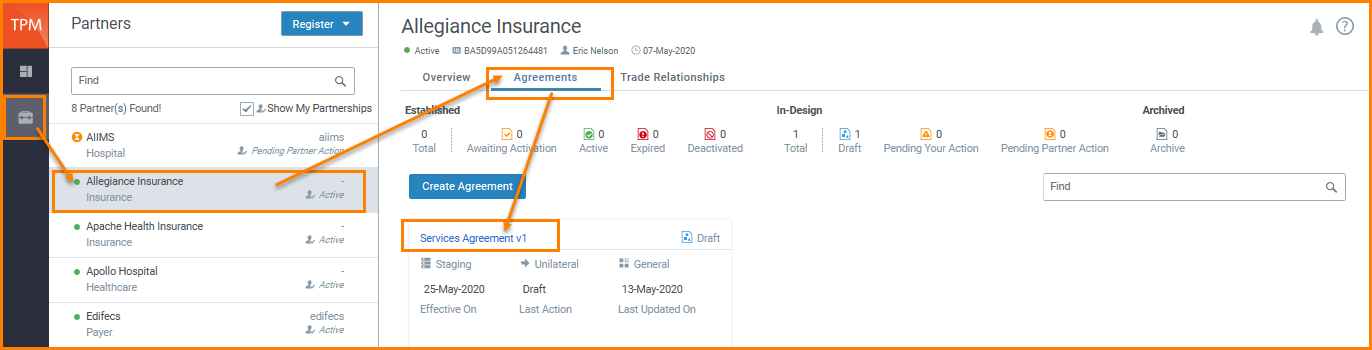
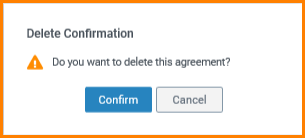
Delete an AgreementTrading Partner Management allows you to delete an agreement while it is still in the Draft state. To delete an agreement:
|



|
|||
Delete an AgreementTrading Partner Management allows you to delete an agreement while it is still in the Draft state. To delete an agreement:
|