|
|||
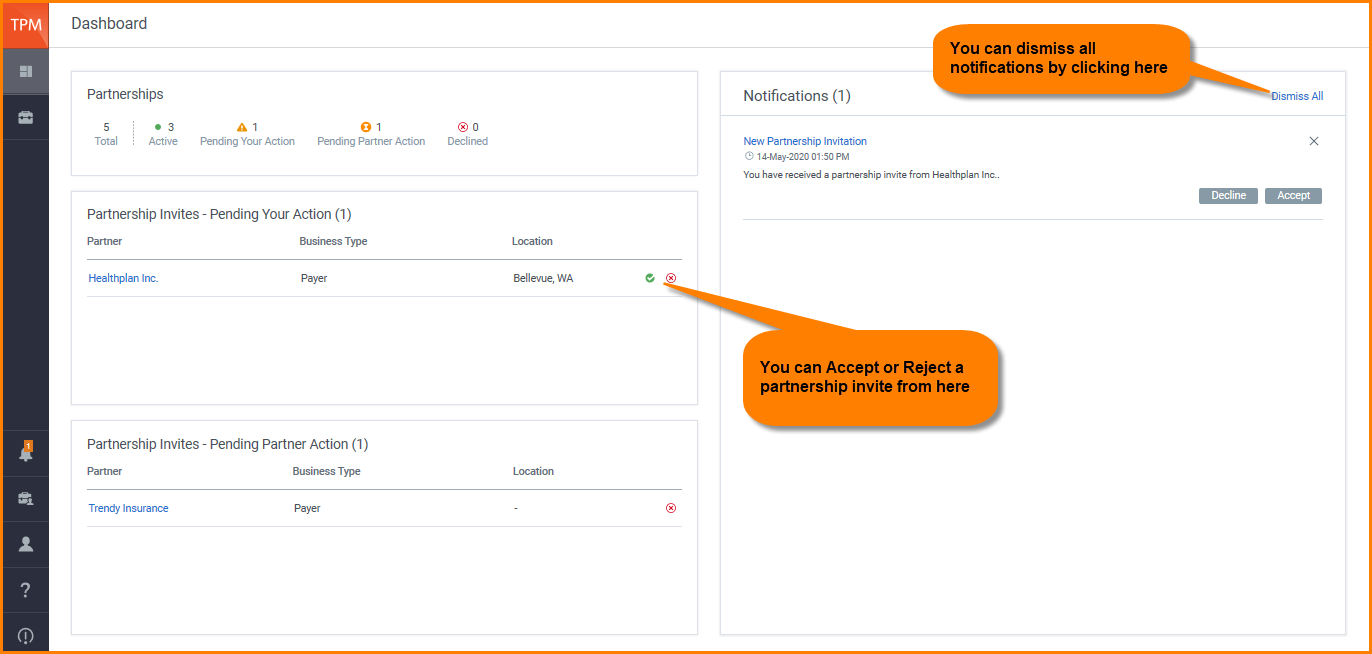
DashboardThe dashboard in Trading Partner Management displays a summary of all the important information related to your account. Note: Currently Dashboard is available to administrators only. The Dashboard has four different sections: Partnerships: Displays a summary of all of your partnerships. Partnership Invites - Pending Your Action: Displays the partnership invites that you have received. You can accept or reject the invites. Partnership Invites - Pending Partner Action: Displays the partnership invites that you have sent out. You can delete them if the invites were sent out by mistake or are not required anymore. Notifications: Displays all the notifications related to your account. You can act on notifications from here or dismiss all of them.
|