|
|||
View/Edit Partner ProfileTo view or edit a partner's profile information:
|
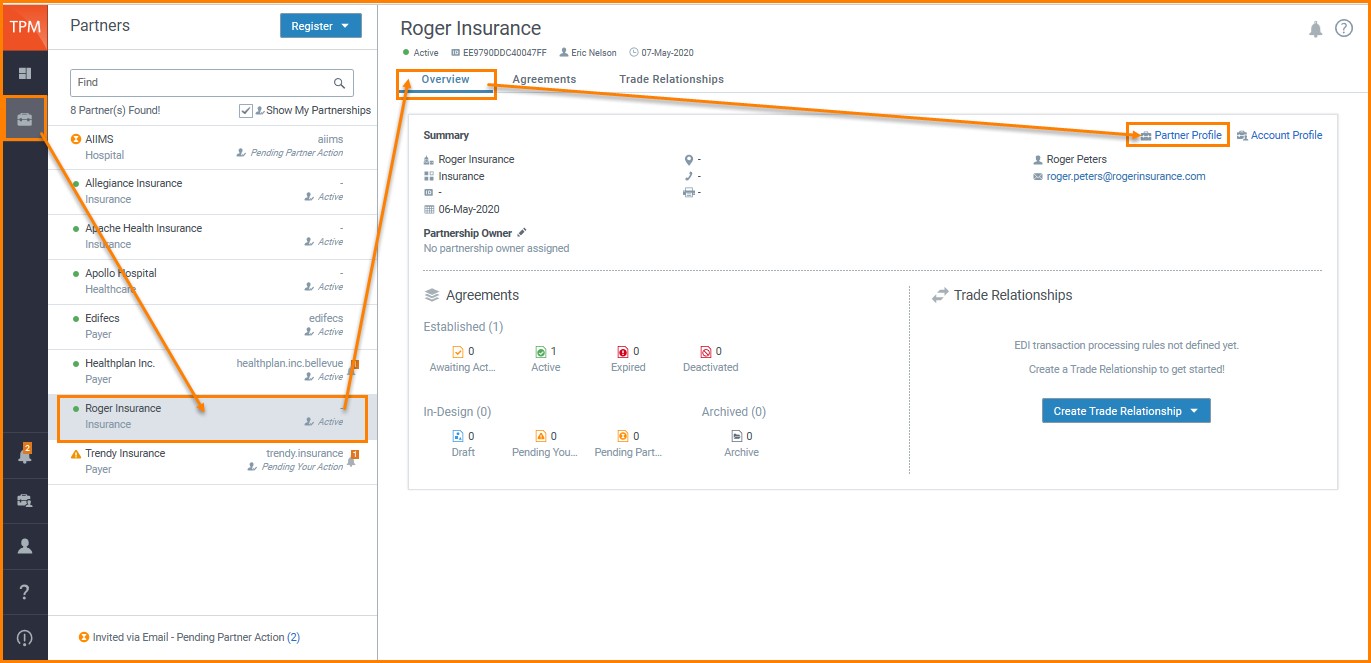
 to update partner information.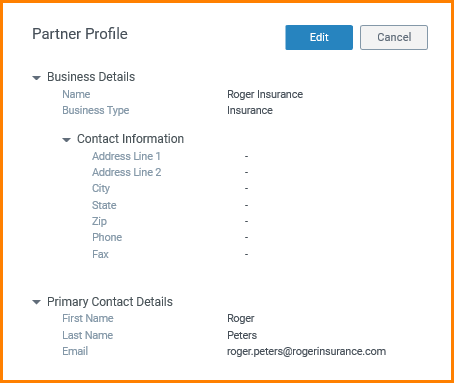
 to save your changes.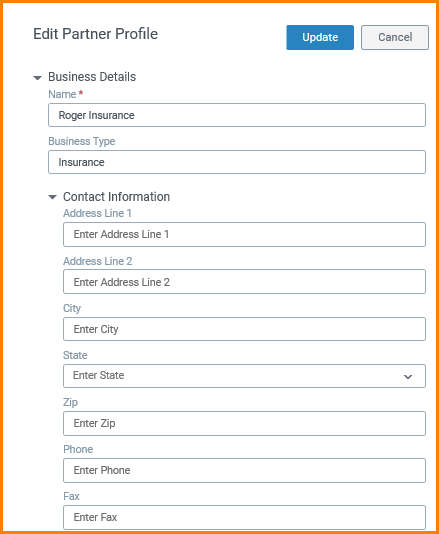


|
|||
View/Edit Partner ProfileTo view or edit a partner's profile information:
|